Installation · Smart TV
IPTV British on Smart TV: ready in minutes
Setting up IPTV British on a Smart TV is simple whatever the brand. After you order you’ll get your login details and this guide — pick your television below.
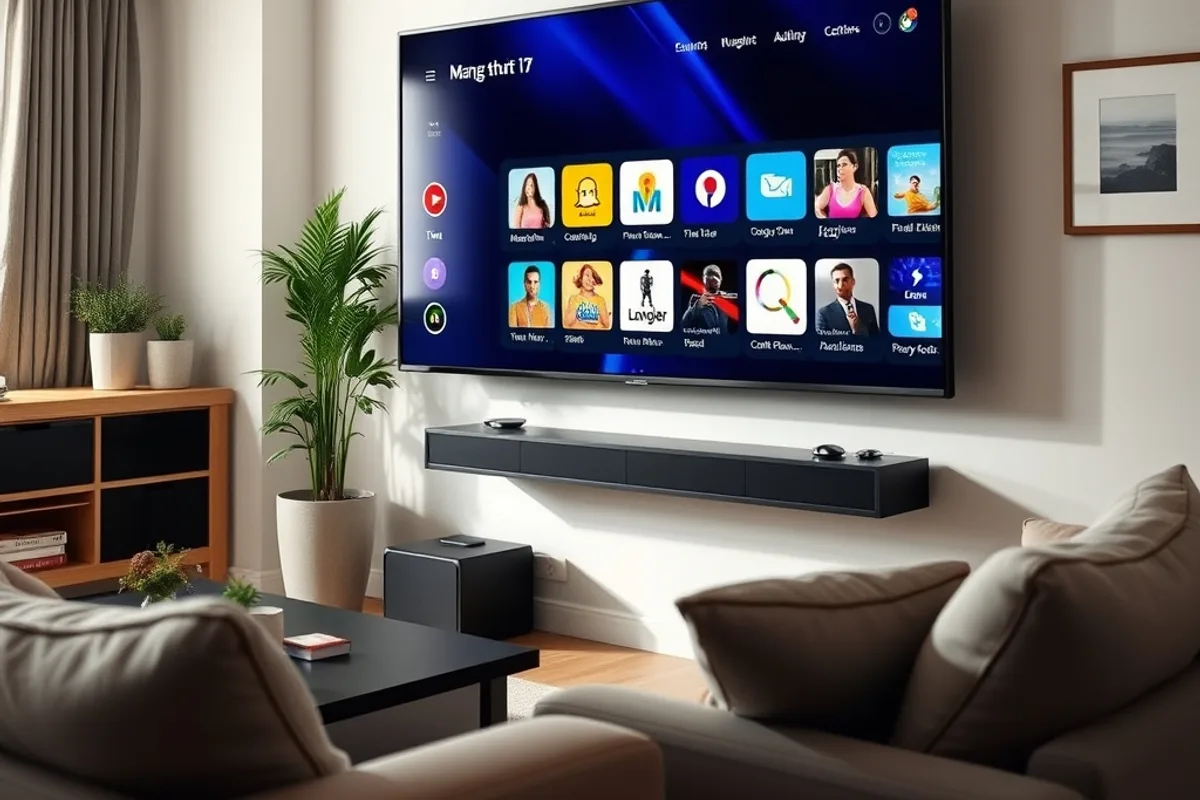
Samsung & LG (Tizen / webOS)
Install IPTV Smarters Pro or an equivalent player from your TV’s app store, enter your IPTV British details — you’re set.
Android TV & Google TV
Download IPTV Smarters or TiviMate from the Play Store, add your details and organise your favourite channels straight on the telly.
Sony & Philips (Android TV)
Same process as Android TV: a compatible app, your login, and the full IPTV British line-up loads in seconds.
Older televisions
No app store on your Smart TV? A Fire TV Stick or Android box solves that instantly and works just as well.
For a stable Smart TV stream, aim for around 25 Mbps for 4K and 10 Mbps for Full HD, ideally over a wired connection. What’s included in your subscription is detailed on the channels & content page, and the Fire TV Stick guide is on the Firestick installation page.
Need help with your Smart TV?
We can talk you through it on WhatsApp, or set it up remotely. Not ordered yet? See the pricing & packages.